
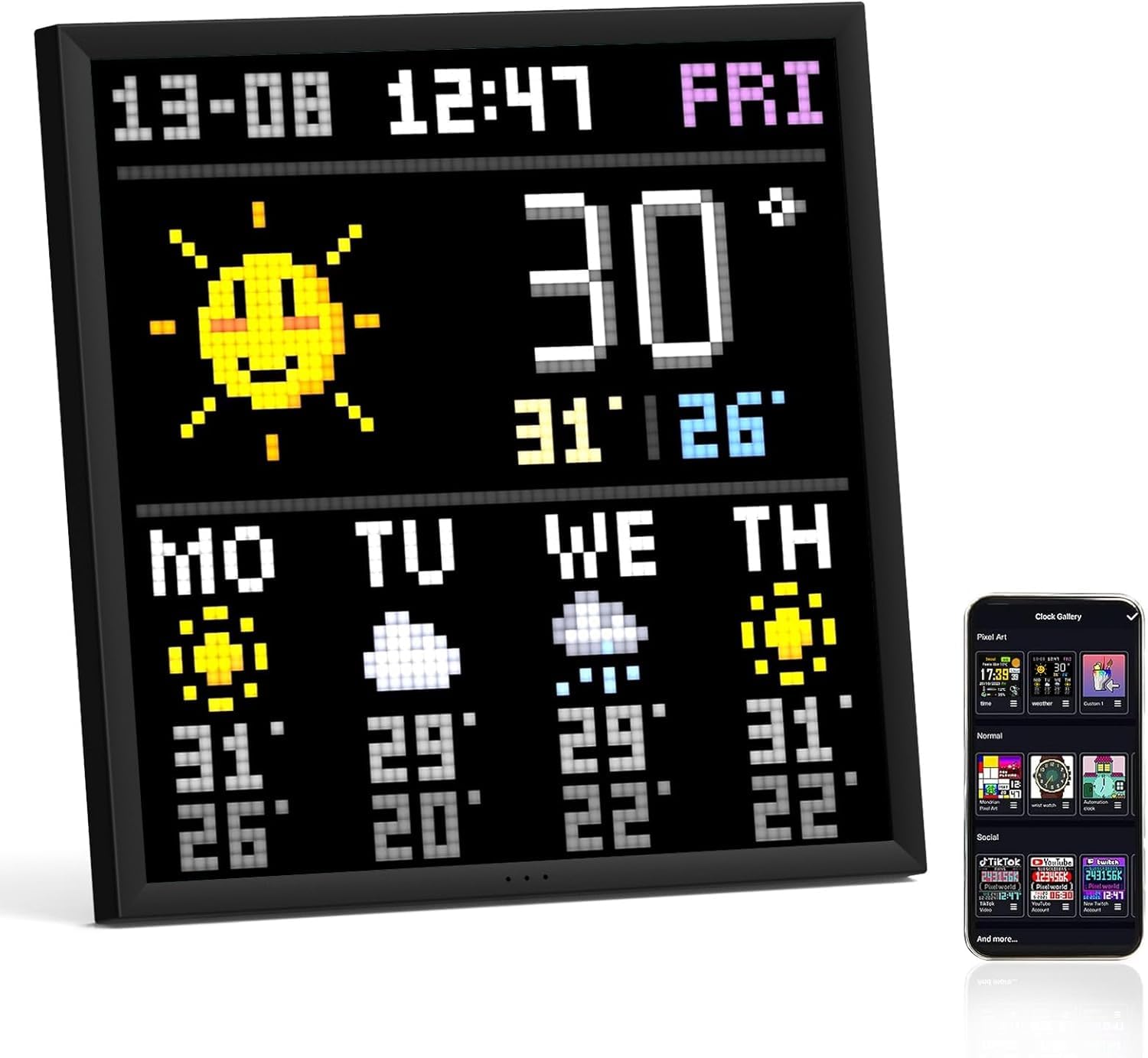
Divoom Pixoo-64 Pixel Art Display
The Divoom Pixoo-64 is a 10.3-inch WiFi pixel art display with a 64x64 LED panel, perfect for showcasing your pixel art creations. It connects easily via USB-C and operates on 2.4GHz WiFi, making it a quirky yet functional addition to your décor.
StuffYouMayWant is an editorial curation site. We may earn from qualifying purchases via affiliate links, at no extra cost to you.
At a glance
One-line verdict
This pixel art display is a delight for creative souls, but be prepared for some quirky setup games.
Best for
Best for those who love unique and customizable décor that doubles as a tech gadget.
Skip it if
Skip if you’re after a conventional digital photo frame or dislike pixel art aesthetics.
The full picture
Picture this: you’re lounging in your living room when your eyes land on a vibrant pixel art display. Gone are the days of bland walls, and here comes the Divoom Pixoo-64, a delightful 10.3-inch slice of LED joy that invites you to express your inner artist. Sure, you could stick with a standard picture frame, but where’s the fun in that?
This charming gadget isn’t just for the pixel-obsessed; it’s a versatile conversation piece that can double as a notification hub. Need a way to see your Twitter interactions light up your coffee table? The Pixoo’s got your back, or rather, your notifications! It’s like having a little digital gallery that doesn’t just sit there but actively engages and complements your tech-heavy lifestyle.
You might wonder, “Just how much joy can a decorative piece really bring?” Well, let’s say it’s not just about the pixelated images but the atmosphere it brings. The retro vibes mingle beautifully with a touch of modern decor; you can’t help but smile every time you pass by.
And let’s not ignore the fact that setup is a breeze—connect it to your WiFi, call up the app, and voilà! Your artwork or notifications glow in technicolor splendor. For those of us in the home-decor rabbit hole, this is like finding a diamond in a pile of pebbles. Just remember, the world of pixel art can be deceptively charming; it might trigger some wild creativity you never knew existed!
The Irresistible
- Unique and customizable display for art or notifications that sparks joy.
- Small size perfect for any nook or cranny of your home.
- Quick and easy setup with a straightforward app interface.
- Retro-style charm that combines nostalgia with modern tech flair.
- Encourages creativity and artistic expression without a mess.
The Clever Part
- Functionality beyond mere decoration allows it to serve practical purposes.
- The ability to connect to social media enhances its interactive nature.
- Lightweight and portable, easy to move around for fresh vibes.
- Compatible with various pixel art styles, offering diverse display options.
The Fine Print
- Needs a stable 2.4GHz WiFi connection for full functionality, which can limit use.
- No battery operation—must be constantly plugged in, limiting placement options.
- App could use more features to enhance user creativity and ease of use.
The Reality Check
- Pixel art isn't everyone's cup of tea—might not suit traditional decor tastes.
Buyer questions answered
What size is the Divoom Pixoo-64 display?
The Divoom Pixoo-64 features a 10.3-inch WiFi pixel art display with a 64x64 LED panel.
How does the Divoom Pixoo-64 connect to power?
The device is powered through a USB-C connection, requiring a 5V 2A minimum USB power adapter.
What WiFi frequency does the Divoom Pixoo-64 require?
The Pixoo-64 requires a 2.4GHz WiFi connection for pairing and usage.
What comes in the package with the Divoom Pixoo-64?
The package includes 1 device, 2 mounting screws, 1 user manual, and 1 USB-C charging cable.
Can the Divoom Pixoo-64 display social media notifications?
Yes, it can display notifications, making it a fun way to keep updated while enjoying the pixel art display.
Inside this drop
More from Vol. 01

Ooni Karu 12 Outdoor Pizza Oven
The first-generation Ooni Karu 12 is a 12-inch multi-fuel outdoor pizza oven with a 15 mm cordierite stone, a stated maximum of 950°F (500°C), and pizza cooking in as little as 60 seconds. It is for people who decided an ordinary patio dinner needed a tiny, fiery subplot.
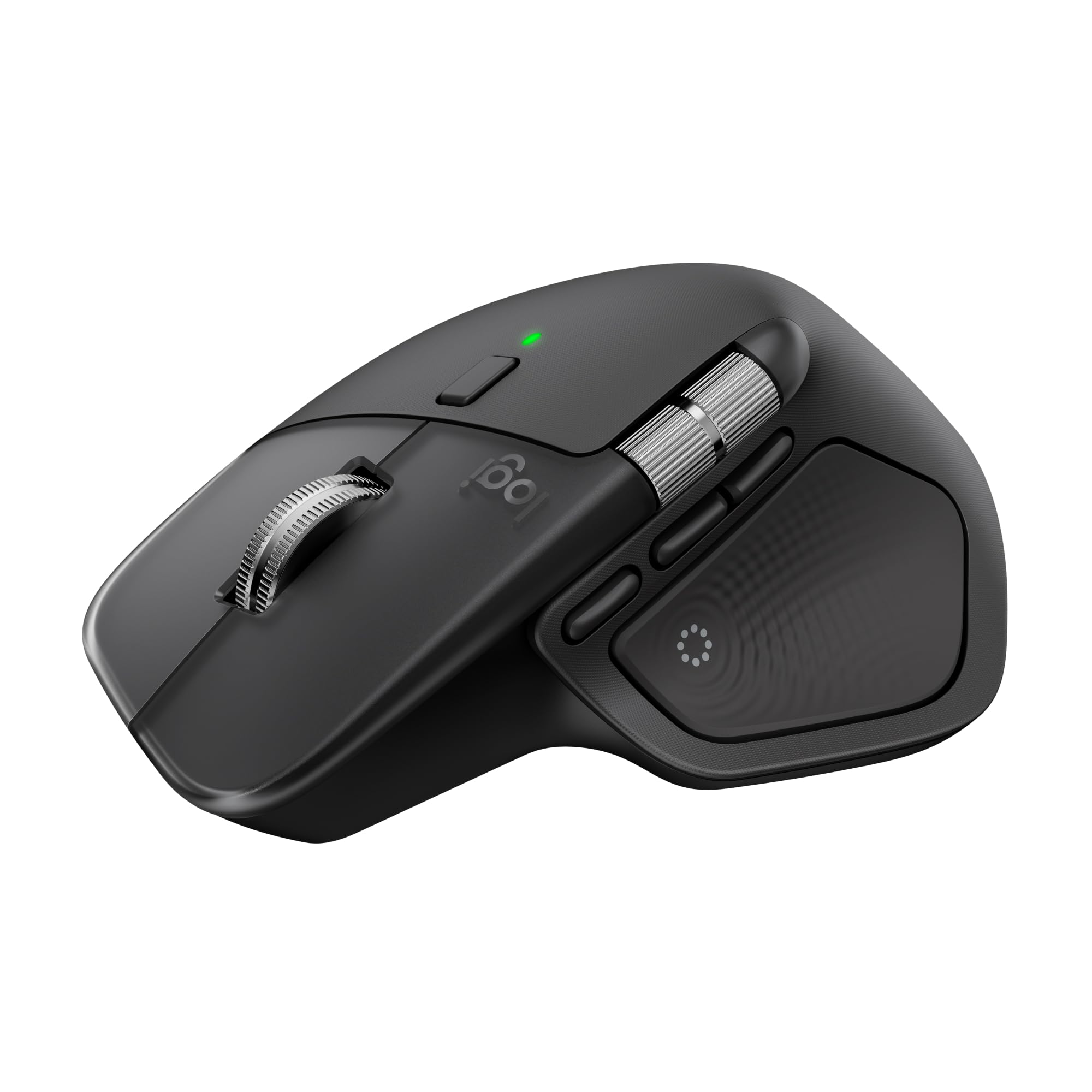
Logitech MX Master 4 Wireless Mouse
The Logitech MX Master 4 is a 150 g wireless mouse with Bluetooth Low Energy, a Darkfield high-precision sensor, USB-C charging, haptic feedback, and ultra-fast scrolling. It is desk gear for people whose cursor has somehow acquired a more demanding calendar than they do.

Owala FreeSip Water Bottle
The Owala FreeSip is an insulated stainless steel water bottle featuring a clever FreeSip spout that lets you sip or tilt for easy drinking. Whether at the gym or during a commute, this practical bottle tackles hydration head-on, even if it looks like a sippy cup for grown-ups.
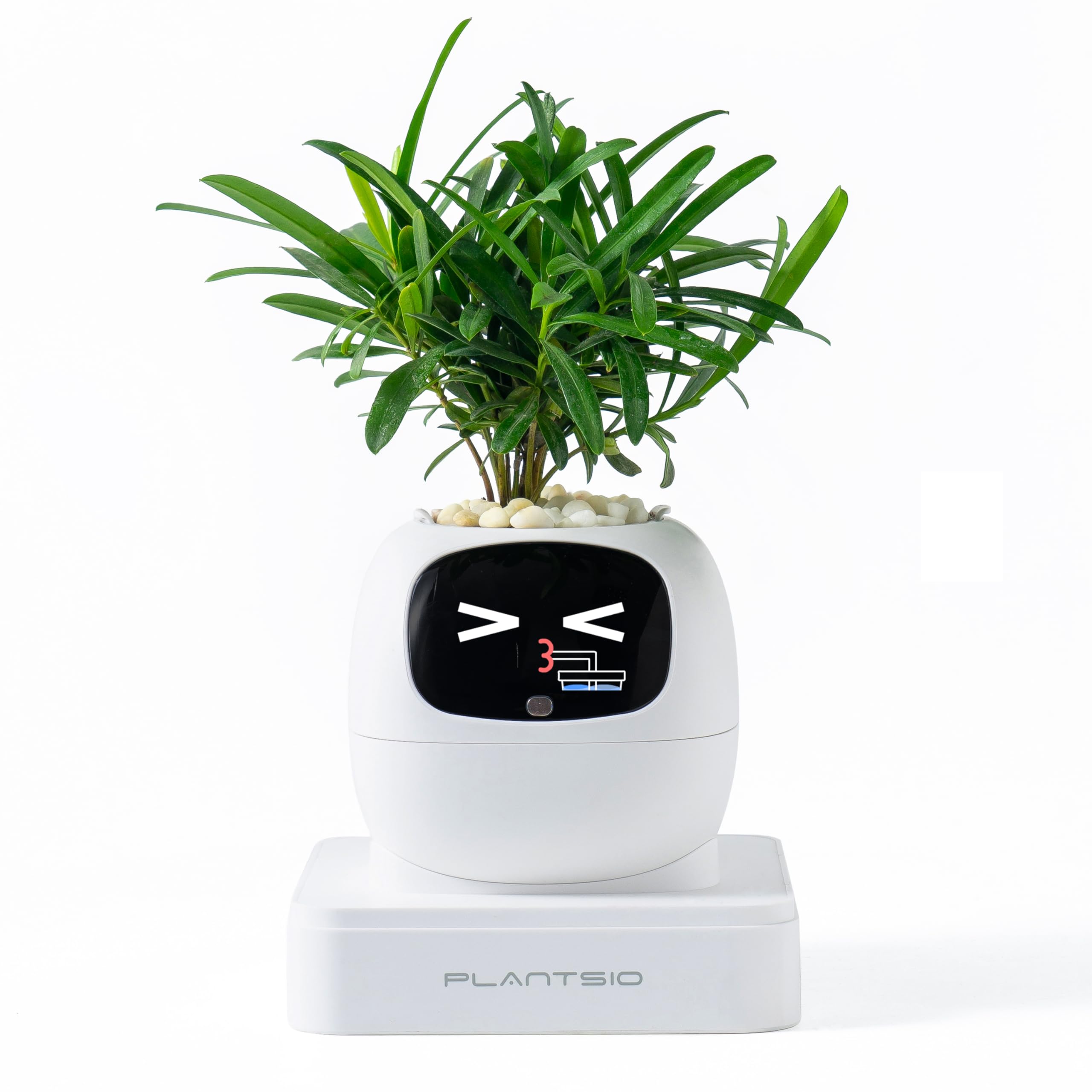
PlantsIO Smart Pet Planter
The PlantsIO Smart Pet Planter is a visual-display plant pot that monitors soil moisture, water level, light, and battery status. It also includes an 80 mL self-watering reservoir, plant support for more than 100 plants, and clock, calendar, and Pomodoro functions—because apparently your fern now has better desk manners than most colleagues.
Keep browsing
More Games & Hobbies finds you may want
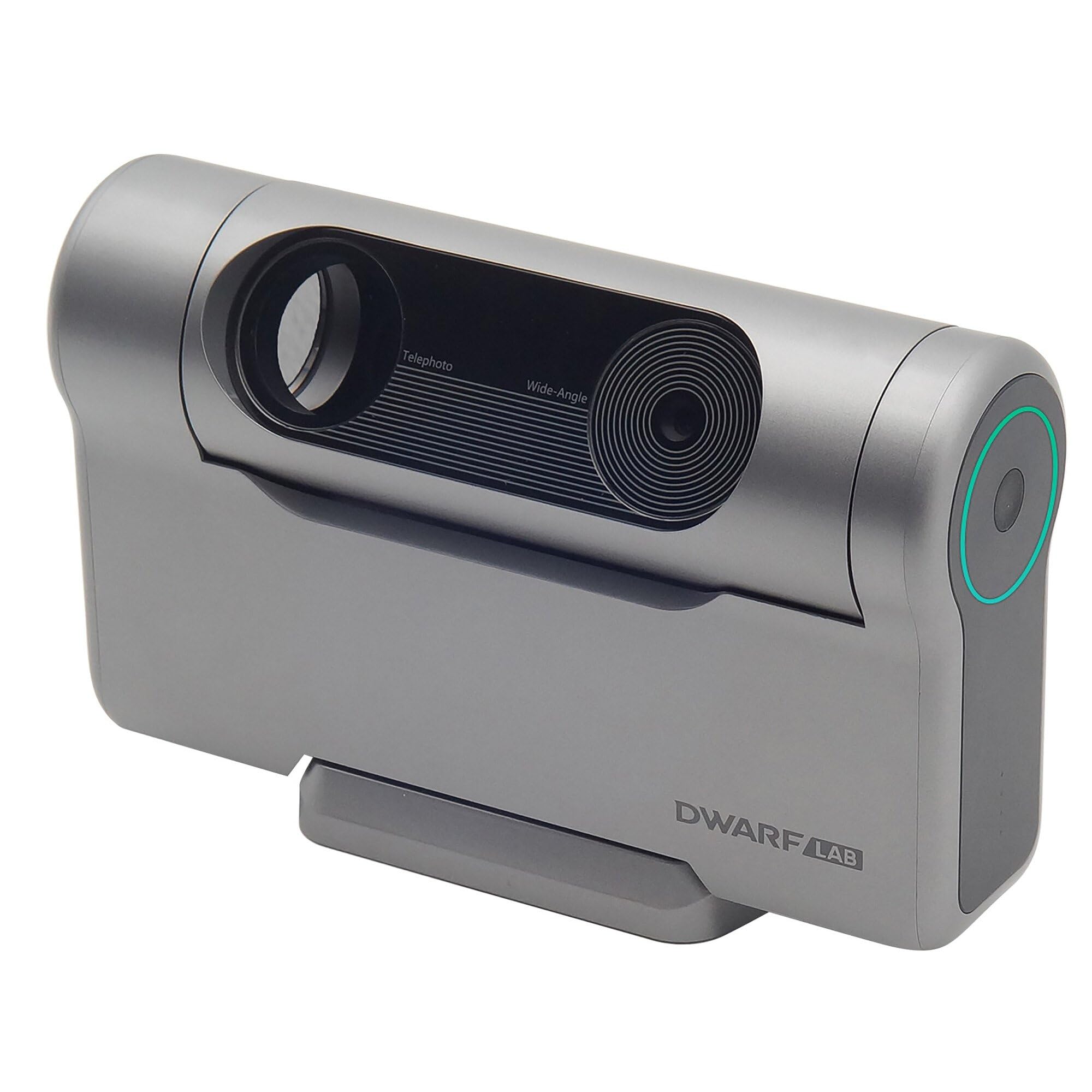
DWARFLAB DWARF 3 Smart Telescope
The DWARFLAB DWARF 3 is a camera-based smart telescope with telephoto and wide-angle optics, three built-in astronomical filters, and onboard storage and battery power. Its appeal is celestial photography; the sky still gets a vote in how straightforward that becomes.
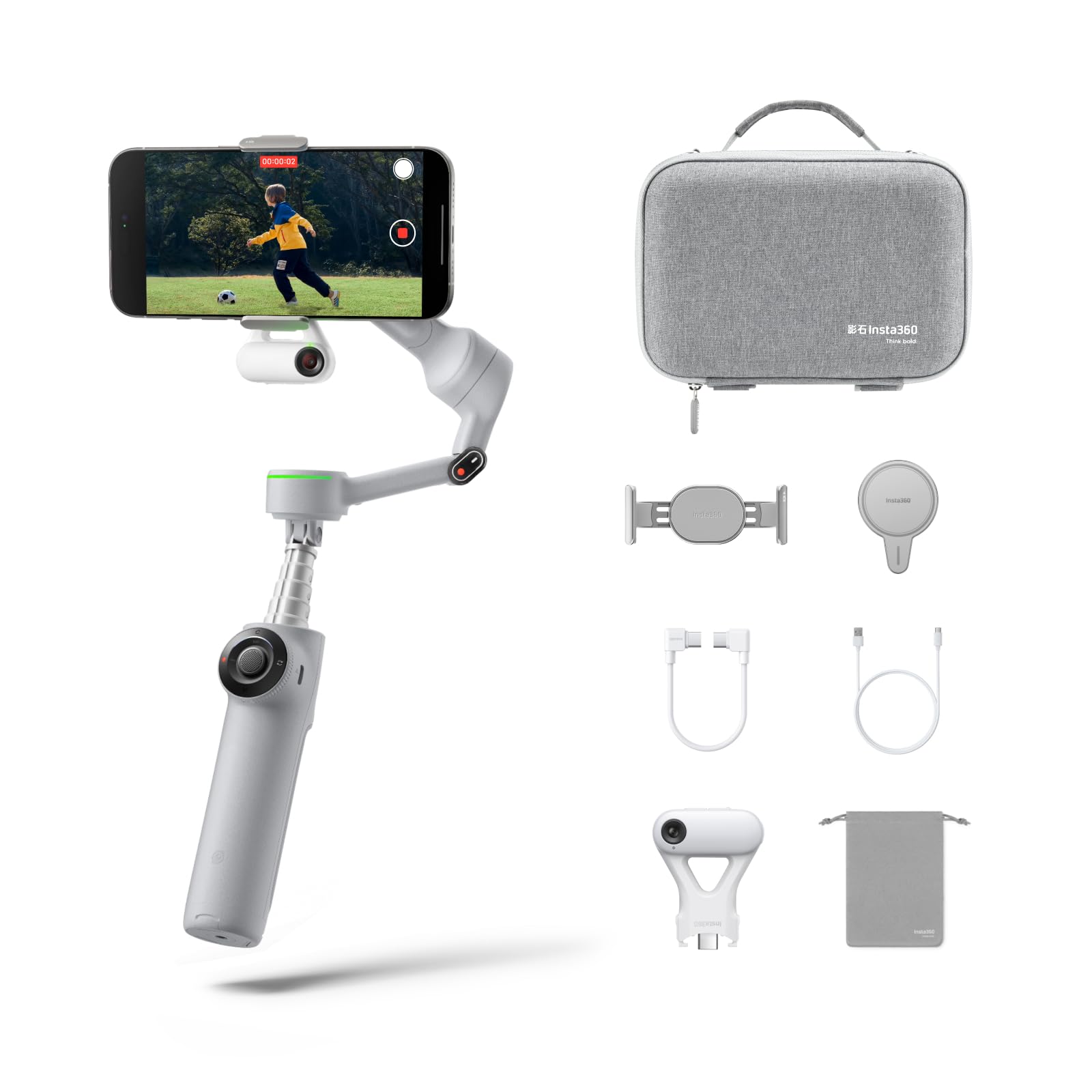
Insta360 Flow 2 Pro Phone Gimbal
The Insta360 Flow 2 Pro is a phone gimbal for supported iPhone and Android devices, with a built-in 210 mm selfie stick, tripod and USB-C power output. It packages several filming accessories into one 357 g gadget, which is handy when a backpack has already become a small domestic dispute.

Insta360 GO 3S 64GB Vlogging Camera
The Insta360 GO 3S 64GB is a tiny 4K vlogging camera with built-in storage, a separate Action Pod, and hands-free mounting options. The camera weighs about 39.1 g, which is useful when a full camera setup would turn a quick walk into a minor production meeting.

Fujifilm instax mini Evo Hybrid Camera
The Fujifilm instax mini Evo is a hybrid instant camera with smartphone printing, remote shooting and image transfer via Bluetooth. It combines digital capture with instax mini film, letting you decide which pictures deserve physical existence rather than blindly printing every blurry brunch photo.