

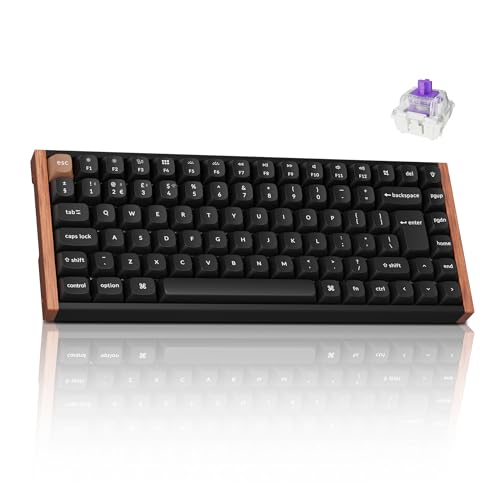
Keychron K2 HE Wireless Keyboard
The Keychron K2 HE is a 75% wireless keyboard with magnetic switches, adjustable actuation, Rapid Trigger, and 2.4 GHz, Bluetooth, or USB-C connectivity. It is for people who have decided an ordinary keypress needs a settings menu—which, frankly, can be rather useful.
StuffYouMayWant is an editorial curation site. We may earn from qualifying purchases via affiliate links, at no extra cost to you.
At a glance
One-line verdict
This 75% magnetic wireless keyboard gives keypress obsessives remarkable control, provided they can live inside Keychron’s very particular switch ecosystem.
Best for
Mac, Windows, or Linux users who want a compact multi-device keyboard and genuinely intend to adjust actuation settings rather than merely admire them.
Skip it if
Skip it if you want broad magnetic-switch compatibility or a keyboard whose deepest setting is simply “caps lock on.”
The full picture
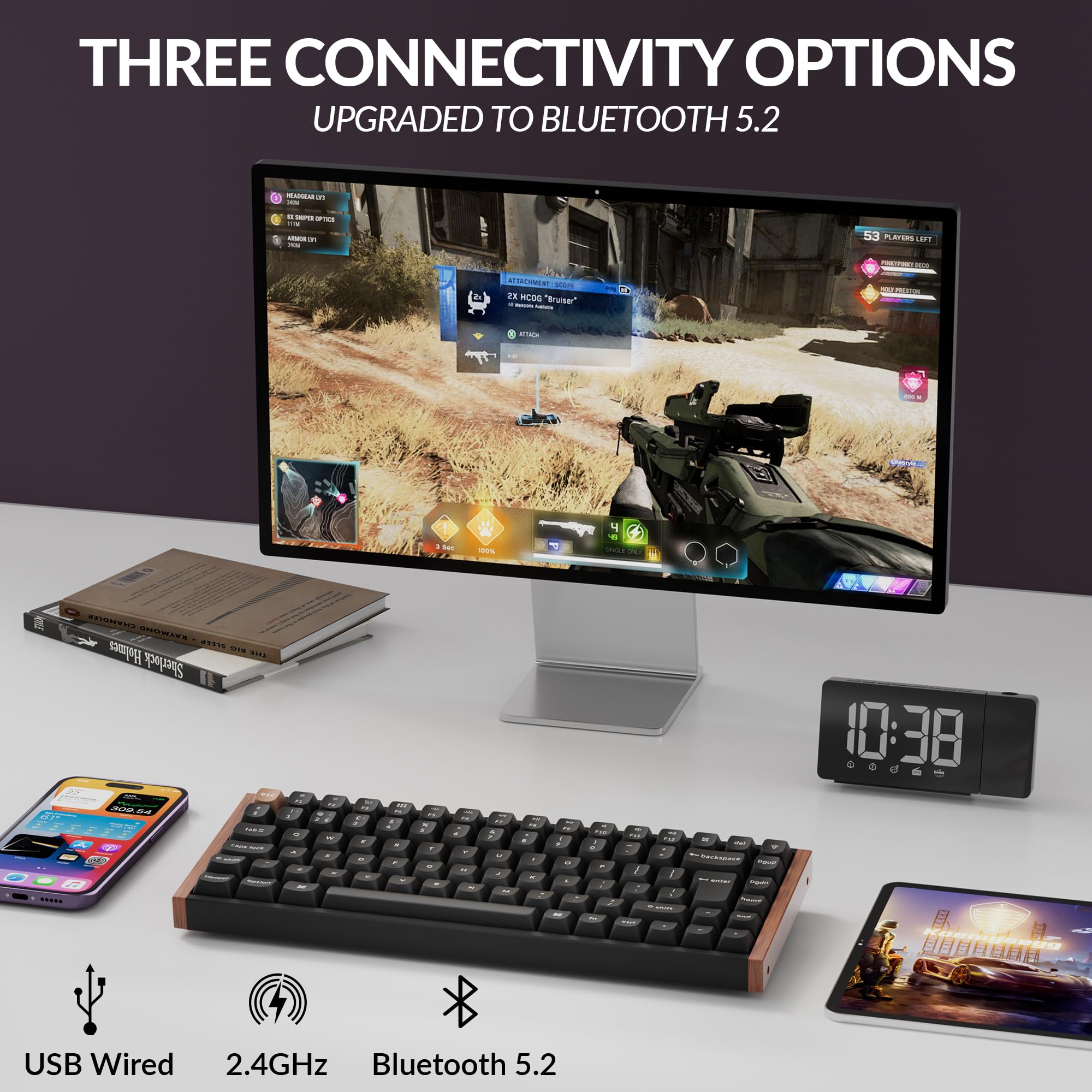
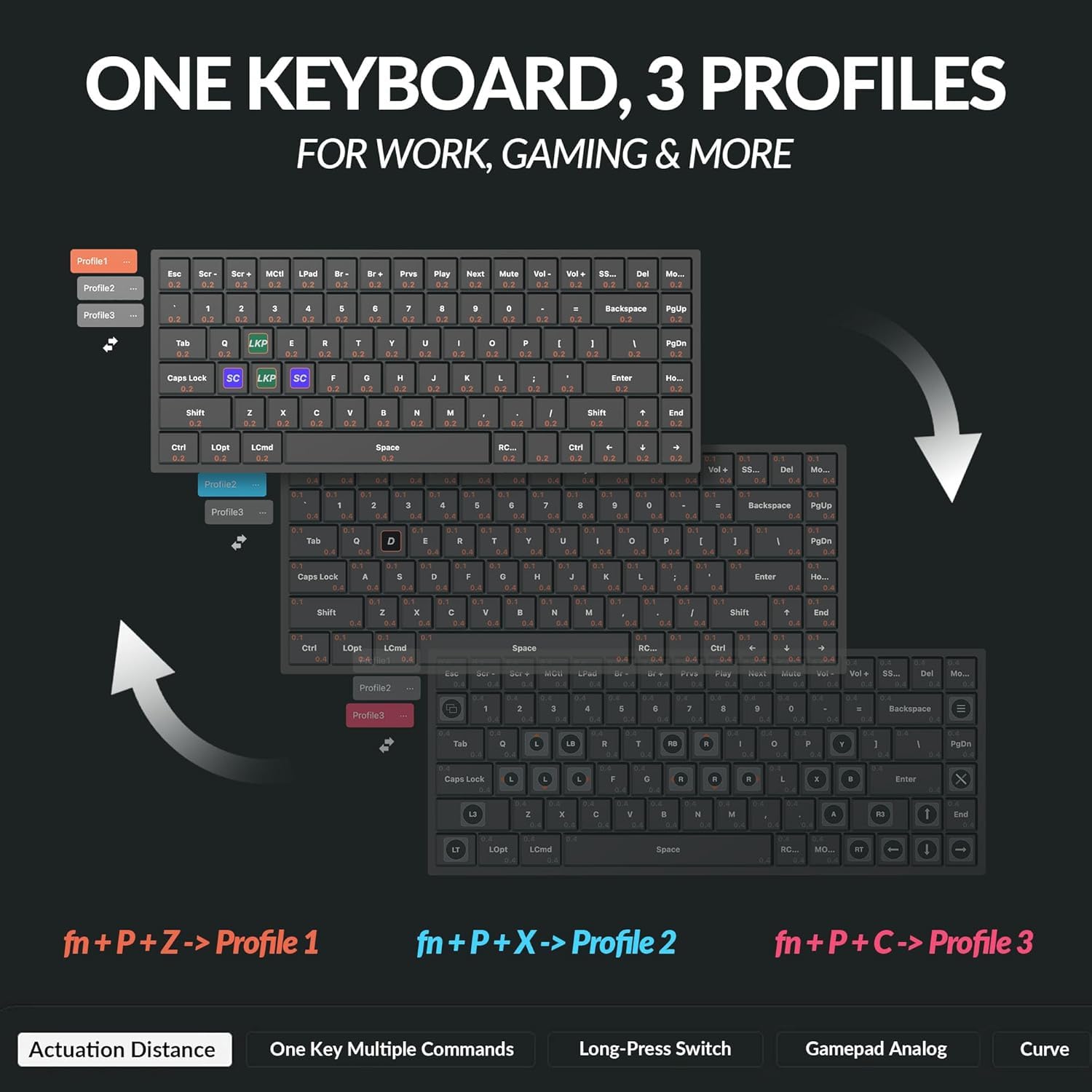
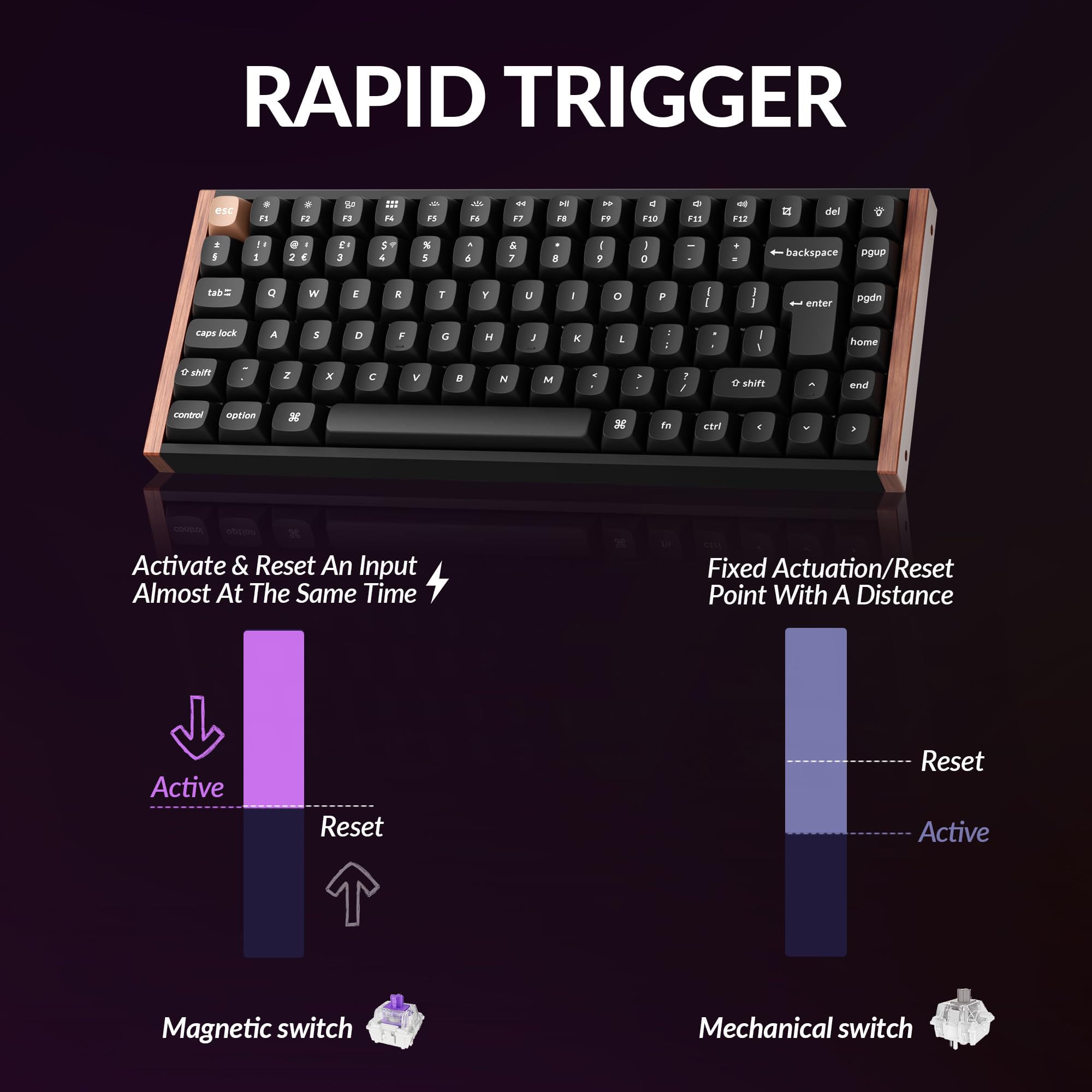
A normal keyboard asks only that you press a key and carry on with your day. The Keychron K2 HE has other ideas. Its magnetic switches let you adjust when a key actuates, add Rapid Trigger, and assign four-in-one Dynamic Keystrokes—because apparently the humble letter A now requires a small constitutional framework. That level of control can be gloriously useful, rather than merely elaborate desk cosplay. The K2 HE keeps a 75% layout, so it preserves a compact footprint while retaining the keys many people miss when a board becomes too minimalist. It also covers the boring-but-important reality of moving between work machines: Bluetooth 5.2 for up to three devices, 2.4 GHz wireless, and USB-C wired use. We think this is the appealingly practical version of a magnetic keyboard. It can sit in a Mac, Windows, or Linux setup without making the desk look as though a gaming tournament has broken out beside the tax return. The Special Edition’s aluminium-and-wood construction also gives the category a welcome dose of grown-up furniture energy, though the RGB backlighting remains available for anyone whose evening admin deserves a light show. The catch is refreshingly specific. The K2 HE is hot-swappable only with compatible Gateron double-rail magnetic switches, and explicitly does not support Gateron Magnetic Jade or KS-20 magnetic switches. This is not a universal parts bin; it is a carefully managed little kingdom. Buyers who want its particular mix of adaptable typing, gaming-oriented controls, and sensible connectivity may find that entirely fair.
The Irresistible
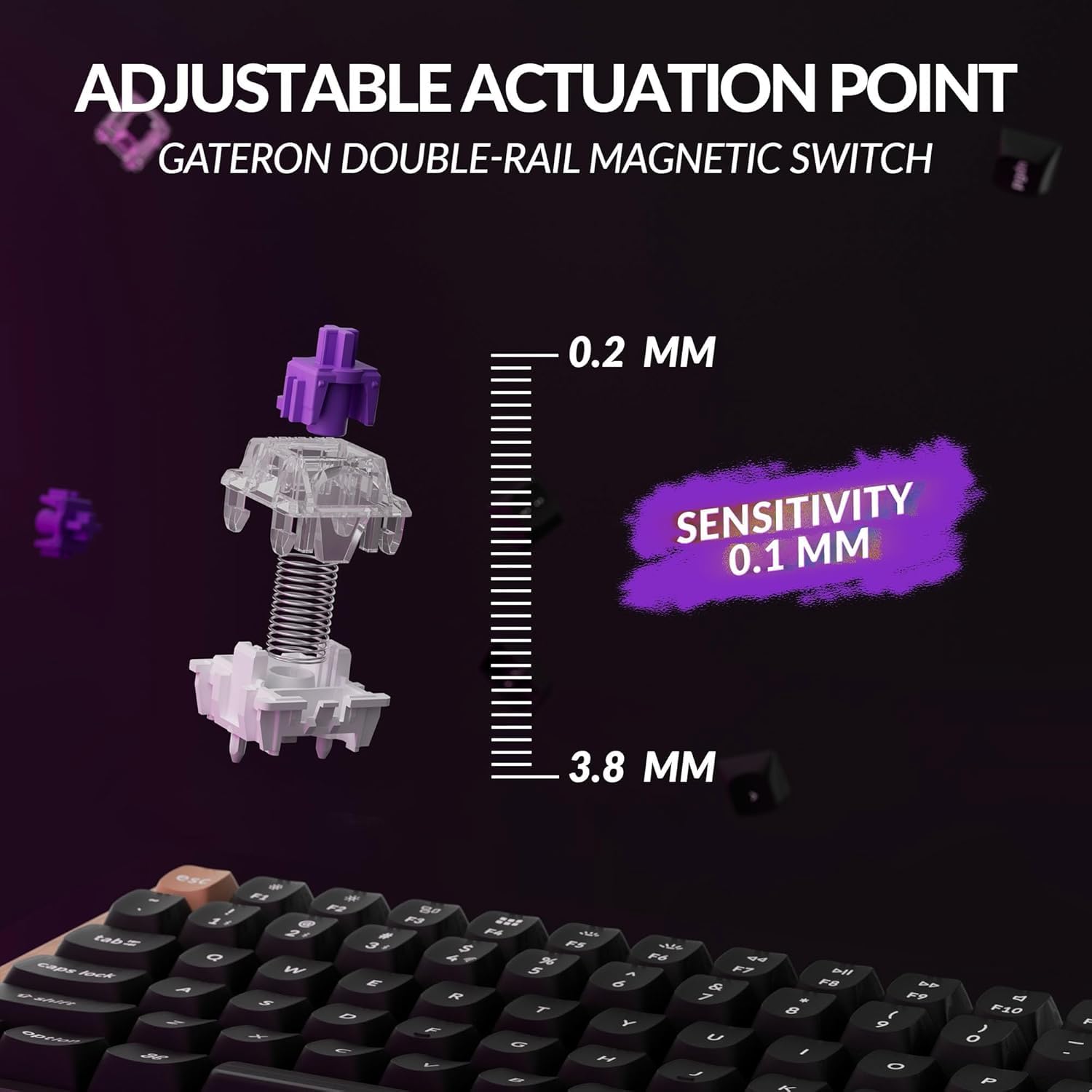
- Magnetic switches offer adjustable actuation from 0.2 to 3.8 mm, with 0.1 mm sensitivity, so the keyboard can be configured far beyond the usual one-switch-fits-all arrangement.
- Rapid Trigger and four-in-one Dynamic Keystrokes bring advanced input controls to a 75% board that can still make sense on a work desk.
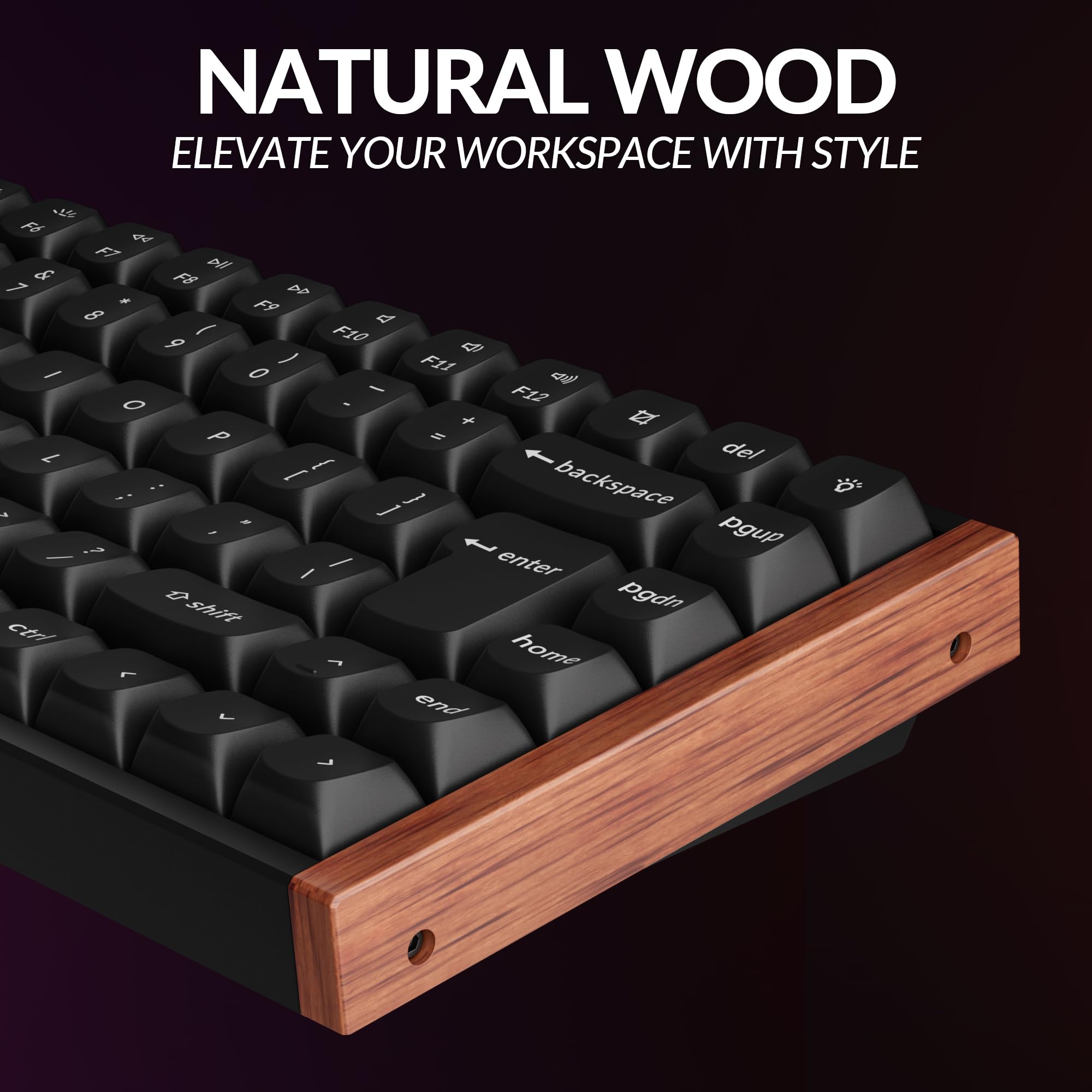
- The Special Edition combines an aluminium-and-wood body with an aluminium plate, OSA double-shot non-shine-through keycaps, and screw-in PCB stabilizers; a notably considered materials list for something mainly employed to answer emails.
The Clever Part
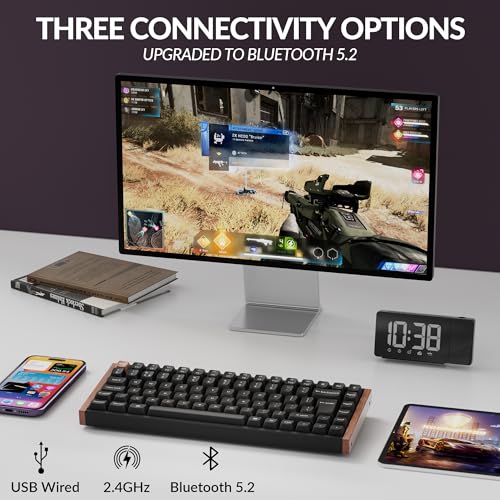
- Three connection routes—2.4 GHz, Bluetooth 5.2, and USB-C—make it easier to share one keyboard across a desktop, laptop, or tablet-shaped distraction.
- Bluetooth supports up to three connected devices, while wired and 2.4 GHz modes support a 1000 Hz polling rate.
- A 4000 mAh rechargeable lithium-polymer battery is rated for up to 110 hours of wireless use with backlighting off, although Keychron notes that laboratory results can vary in actual use.
- North-facing RGB lighting includes more than 22 configurable backlight modes through the Keychron Launcher web app.
The Fine Print
- The stated 110-hour wireless figure applies with the backlighting off, so the person treating RGB as a lifestyle may see a different result.
- At approximately 965 g for the Special Edition, this is a keyboard built to occupy a desk, not disappear unnoticed into an already overstuffed bag.
The Reality Check
- Switch swapping is restricted to compatible Gateron double-rail magnetic switches; Gateron Magnetic Jade and KS-20 magnetic switches are not supported. That is a hard no for anyone planning a wide-open magnetic-switch experiment.
Buyer questions answered
Does the Keychron K2 HE have Hall Effect magnetic switches?
Yes. The Keychron K2 HE uses Gateron double-rail magnetic switches with adjustable actuation control, giving every key the sort of configurable ambition normally reserved for spreadsheets.
Does the Keychron K2 HE support Rapid Trigger?
Yes. The K2 HE supports Rapid Trigger as well as four-in-one Dynamic Keystrokes, with actuation adjustable from 0.2 to 3.8 mm in 0.1 mm increments.
Is the Keychron K2 HE compatible with Mac, Windows, and Linux?
Yes. The K2 HE supports macOS, Windows, and Linux, and the fully assembled version includes Mac and Windows keycaps.
Does the Keychron K2 HE support QMK and VIA?
Yes. The supplied listing identifies the K2 HE as supporting QMK and VIA, for anyone unwilling to accept that a keyboard should remain emotionally uncomplicated.
Does the Keychron K2 HE connect through 2.4 GHz, Bluetooth, and USB-C?
Yes. It supports 2.4 GHz wireless, Bluetooth 5.2, and USB-C wired connectivity; Bluetooth can connect with up to three devices, while wired and 2.4 GHz modes support 1000 Hz polling.
Is the Keychron K2 HE available with a UK layout?
Yes. The supplied UK listing is identified as a UK-layout version of the Keychron K2 HE.
Inside this drop
More from Vol. 14
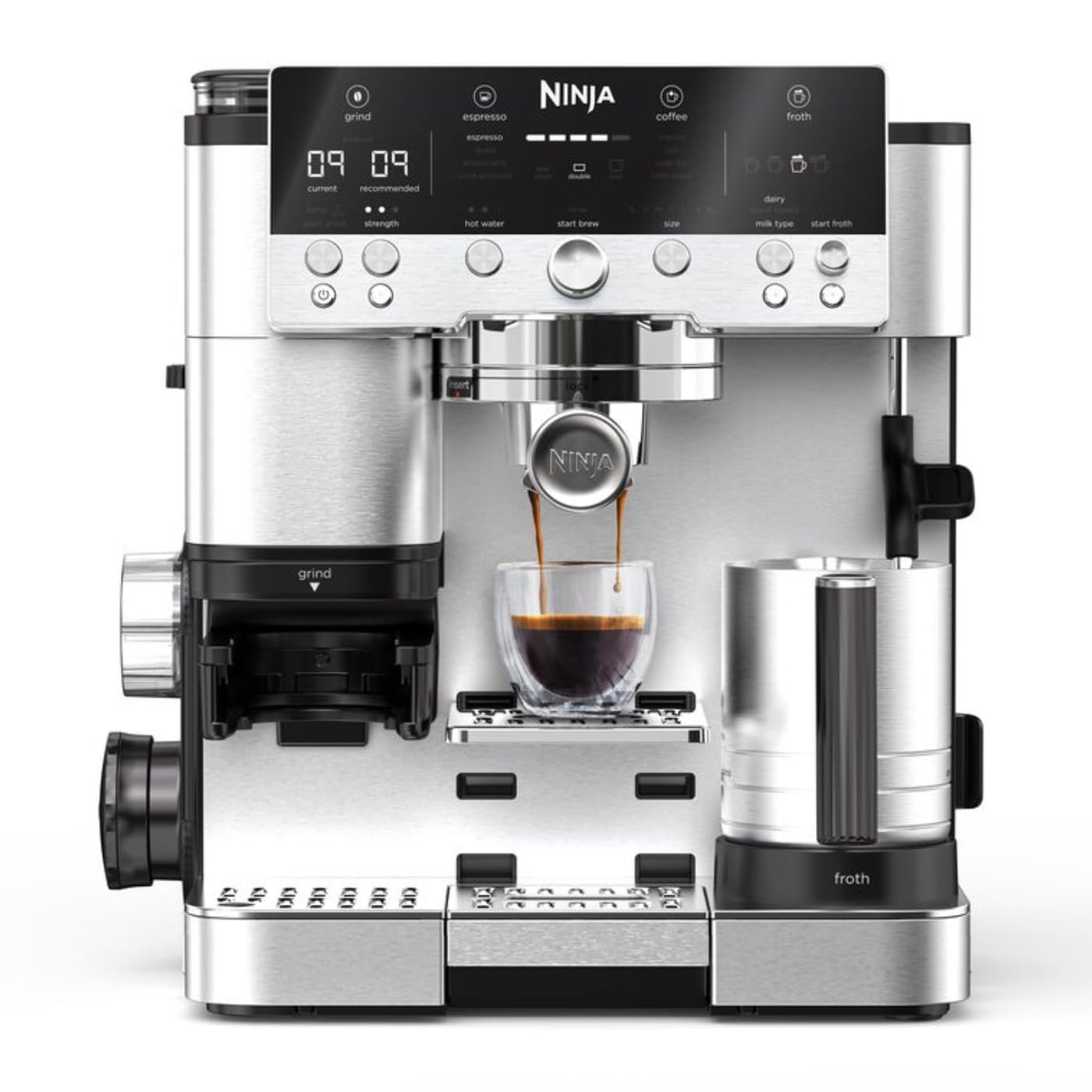
Ninja Luxe Café Premier Espresso Machine
The Ninja Luxe Café Premier is a 3-in-1 coffee machine for espresso, drip coffee and cold brew, with a built-in bean grinder, assisted tamper and hands-free milk frother. It is aimed at the kitchen that has somehow become a tiny café counter between Tuesday meetings.
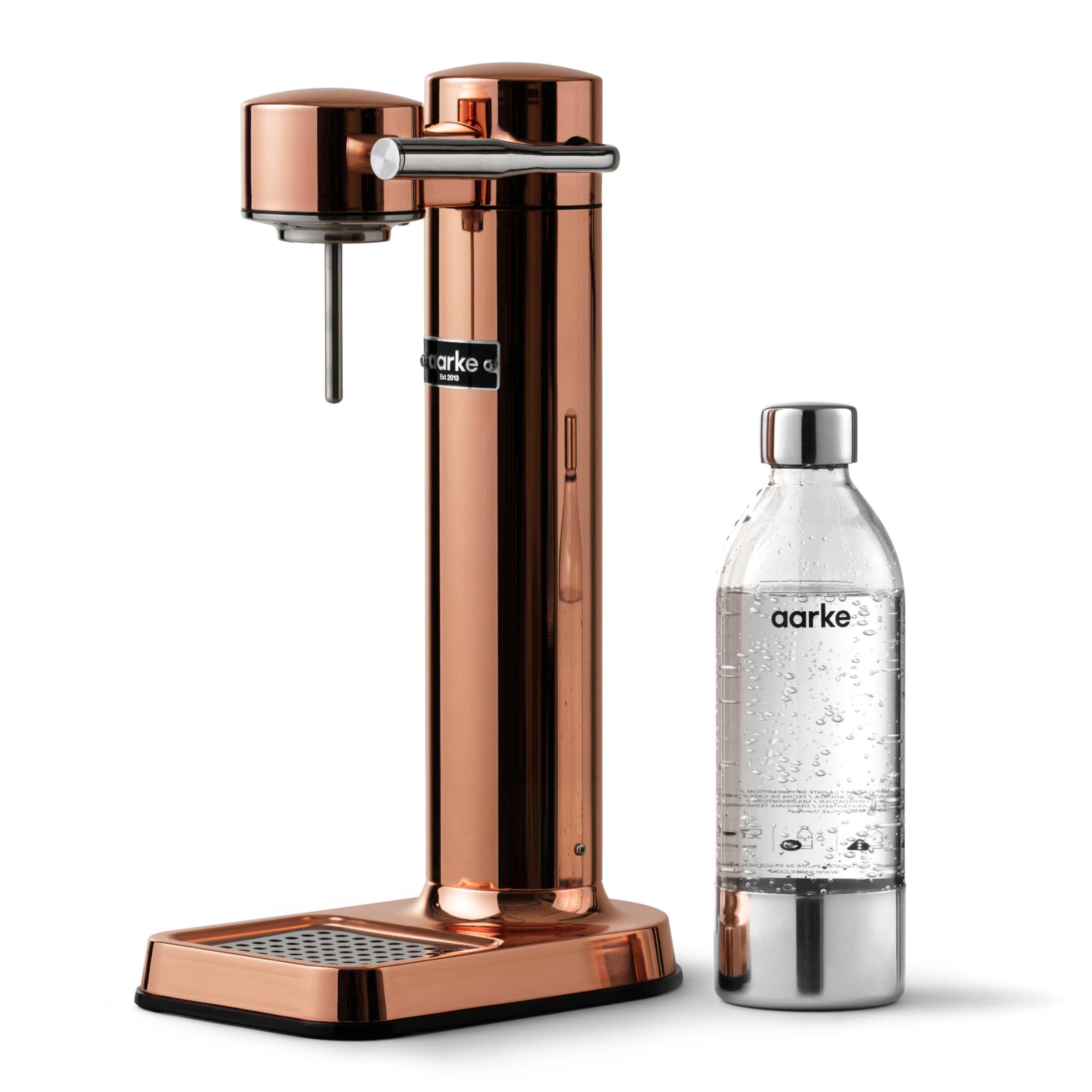
Aarke Carbonator 3 Copper Sparkling Water Maker
The Aarke Carbonator 3 Copper is a stylish and compact sparkling water maker designed to elevate your hydration game. With its stainless-steel finish and cordless functionality, it’s perfect for modern kitchens that value both aesthetics and utility.

Furbo 360° Cat Camera
The Furbo 360° Cat Camera is a rotating cat camera with a treat tosser, feather wand, two-way audio, meow alerts and night vision. Its 270-degree physical rotation creates a 360-degree wide-angle view: a tiny surveillance tower for the household’s least cooperative roommate.
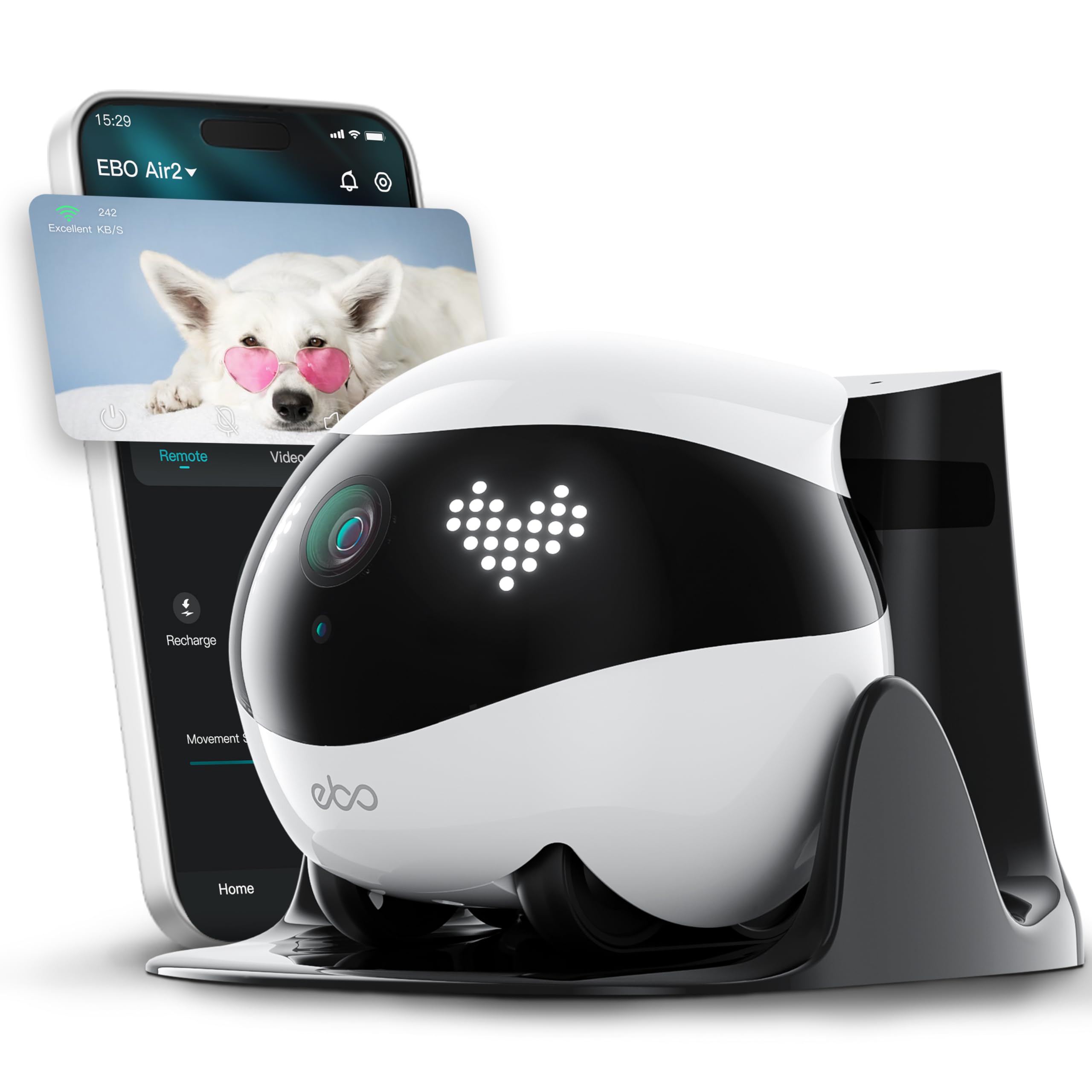
Enabot EBO Air 2 FamilyBot Mobile Home Camera
The Enabot EBO Air 2 FamilyBot is a mobile indoor camera with 2K recording, a 137° viewing angle, two-way talk, night vision, and auto-recharge. It also includes a pre-installed 32 GB SD card—because apparently even household surveillance now arrives with its own tiny filing cabinet.
Keep browsing
More Workspace finds you may want

BenQ ScreenBar Halo 2 Monitor Light Bar
The BenQ ScreenBar Halo 2 is a USB-powered LED monitor light bar with a wireless controller, backlight, motion sensor, adjustable brightness and colour temperature, and curved-monitor fit. It addresses the small but persistent tragedy of a desk that is tidy everywhere except visually.

SIHOO Doro S300 Ergonomic Office Chair
The SIHOO Doro S300 is an ergonomic office chair with dual dynamic lumbar support, 6D coordinated armrests, and a rolling base. It addresses the modern desk problem of needing a chair to cope with spreadsheets at nine and a supposedly casual game at midnight.

novium Hoverpen Interstellar Edition Ballpoint Pen
The novium Hoverpen Interstellar Edition is an aluminium ballpoint pen that rests at a 23.5-degree angle above its zinc-alloy pedestal using magnetism, with no batteries or cables involved. It is desk stationery for people whose paperwork apparently needs a small orbiting object nearby.

LaMetric TIME Wi-Fi Clock
LaMetric TIME is a Wi-Fi clock with a 37x8 LED display, digital alarm clock, weather display, social-media counter, cinema lightbox and Bluetooth speaker. It is desk décor for people who think an ordinary clock has been underachieving for years.